Win the work
Capture the lead, shape the scope, and convert proposals and estimates into committed work.
CRM · proposals · estimatesEvery handoff stays connected. Operational activity becomes financial truth without rekeying the same information across disconnected tools.

Renovo keeps commercial, operational, field, people, and accounting context together as work moves forward.
Capture the lead, shape the scope, and convert proposals and estimates into committed work.
CRM · proposals · estimatesBuild the schedule, align projects and claims, and surface the WIP that needs attention.
Projects · WIP · scheduleDispatch crews, collect forms and photos, track time, and keep customers informed.
Dispatch · forms · timeConnect labor, materials, vendors, equipment, and payroll to the work creating the cost.
Inventory · AP · payrollInvoice, collect, reconcile, and report without losing operational context.
Invoices · payments · GL
Hours, materials, photos, forms, equipment, purchase activity, and customer updates stay tied to the same job, claim, or project that drives revenue and cost.
Start with the team under the most pressure, then expand into the rest of the business without rebuilding the data model.
Control the work from portfolio view to the next crew action.
CMD ↗02Keep every item, asset, vehicle, rental, and service request moving.
OPS ↗03Turn demand into durable relationships and cash flow.
REV ↗04Coordinate outside partners without losing the audit trail.
VND ↗05Connect the people doing the work to the economics of the work.
PPL ↗06A complete financial core built into daily operations.
FIN ↗Renovo’s dashboard brings overdue work, suggested fixes, productivity, and financial signals into one operating view.
Explore real product screens ↗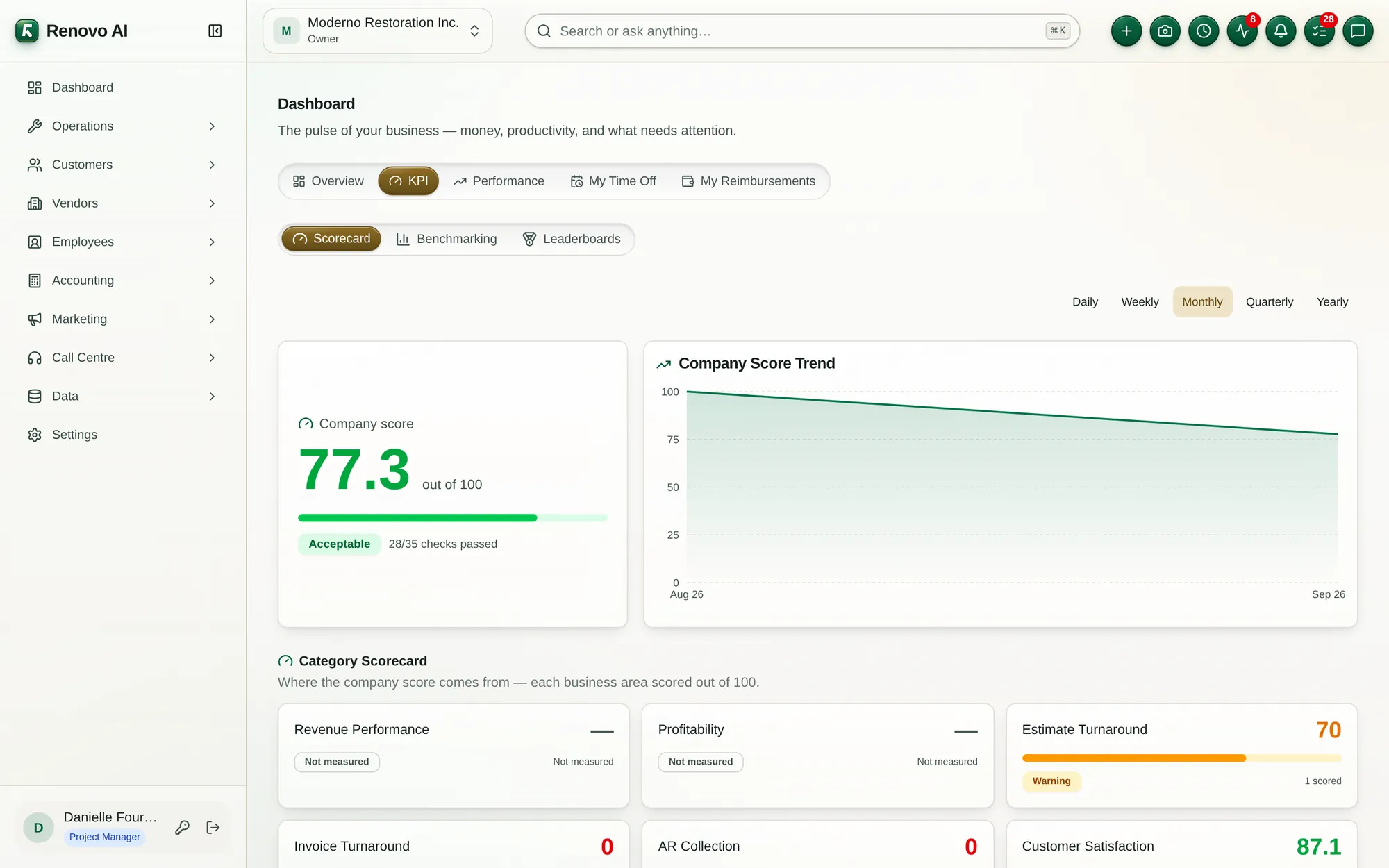

Tell us where the friction is highest. We’ll map the right modules, rollout, and starting plan.